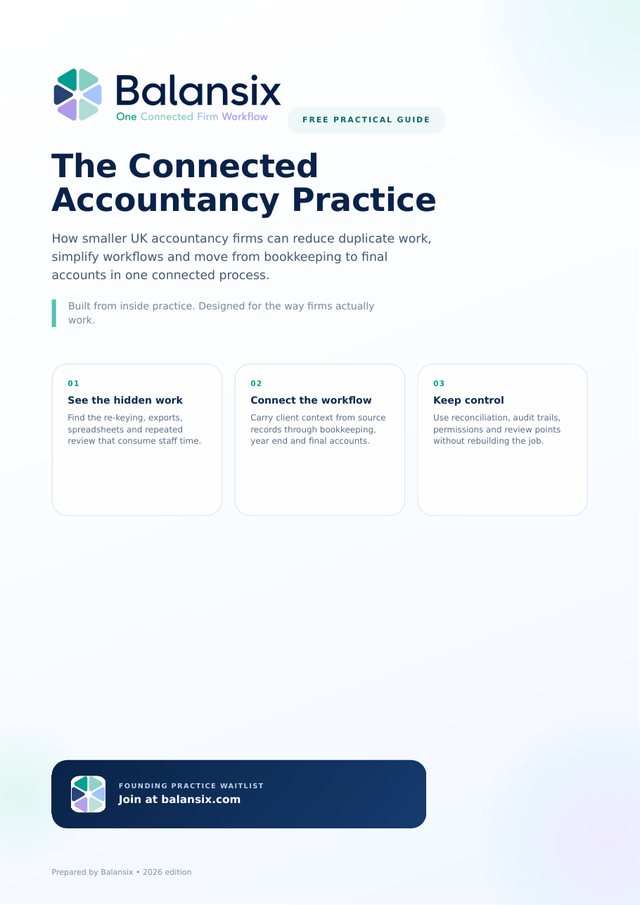
Practical guides for UK accountancy firms evaluating practice management, client portals, bookkeeping automation, year-end workflow and connected accounts production.

Our most complete resource: how smaller UK firms reduce duplicate work, control the accounting record and move from bookkeeping to final accounts in one connected process. Includes a 30-day workflow audit and 10 questions to ask any practice-software supplier.
These guides focus on the repeated handoffs, re-keying and chasing that consume practice time before technical accounting work even begins.
Find the hidden setup, checking and reconciliation created by separate systems.
Read the guide → Client document collectionTurn emails and reminders into one visible request and upload workflow.
Read the guide → Year-end handoffUnderstand the export, mapping, journal and review work between two ledgers.
Read the guide → Practice workflowKnow the signs that a control sheet has become a manual workflow database.
Read the guide →Mid-funnel guides for practices comparing software and deciding which parts of the workflow should be automated, reviewed or kept under direct accountant control.
Use ready-to-post, review-required and blocked outcomes to scale coding safely.
Read the guide → Practice managementSee why readiness and blockers matter more than a deadline list alone.
Read the guide → Client portalMake requests clearer, uploads easier and portal use consistent across the firm.
Read the guide → Software migrationMap handoffs, define authority and migrate clients in controlled cohorts.
Read the guide →The resource centre is designed for practice owners, directors, managers and implementation leads who want to understand not only what a feature does, but how it changes the accounting or operational workflow around it.
See how Practice Management, Capture, Bookkeeping, Final Accounts and AI Insights connect around one client.
02Understand why different clients need different accounting workflows and how the controls change between them.
03Follow the connected path from accounting source through mapping, disclosures and finalisation.
04Use services, ownership, deadlines and visibility to make recurring compliance work predictable.
05See how automatic posting, review-required and blocked outcomes separate routine work from judgement.
06Decide what to migrate, what to validate and what to retain as archive history.
Balansix documentation is organised around the job the user is trying to complete. That makes it easier for experienced accountants to find the relevant workflow without first learning a new vocabulary for familiar accounting work.
A product demonstration is most useful when it starts with a real process. Bring the way your practice currently takes on a client, collects records, performs year end or produces accounts, and compare the handoffs against the connected Balansix workflow.
What would your team stop doing if this workflow ran through Balansix?
Bring a real client workflow to the demonstration and compare how many handoffs, re-keying points and separate systems Balansix can remove.