Client administration
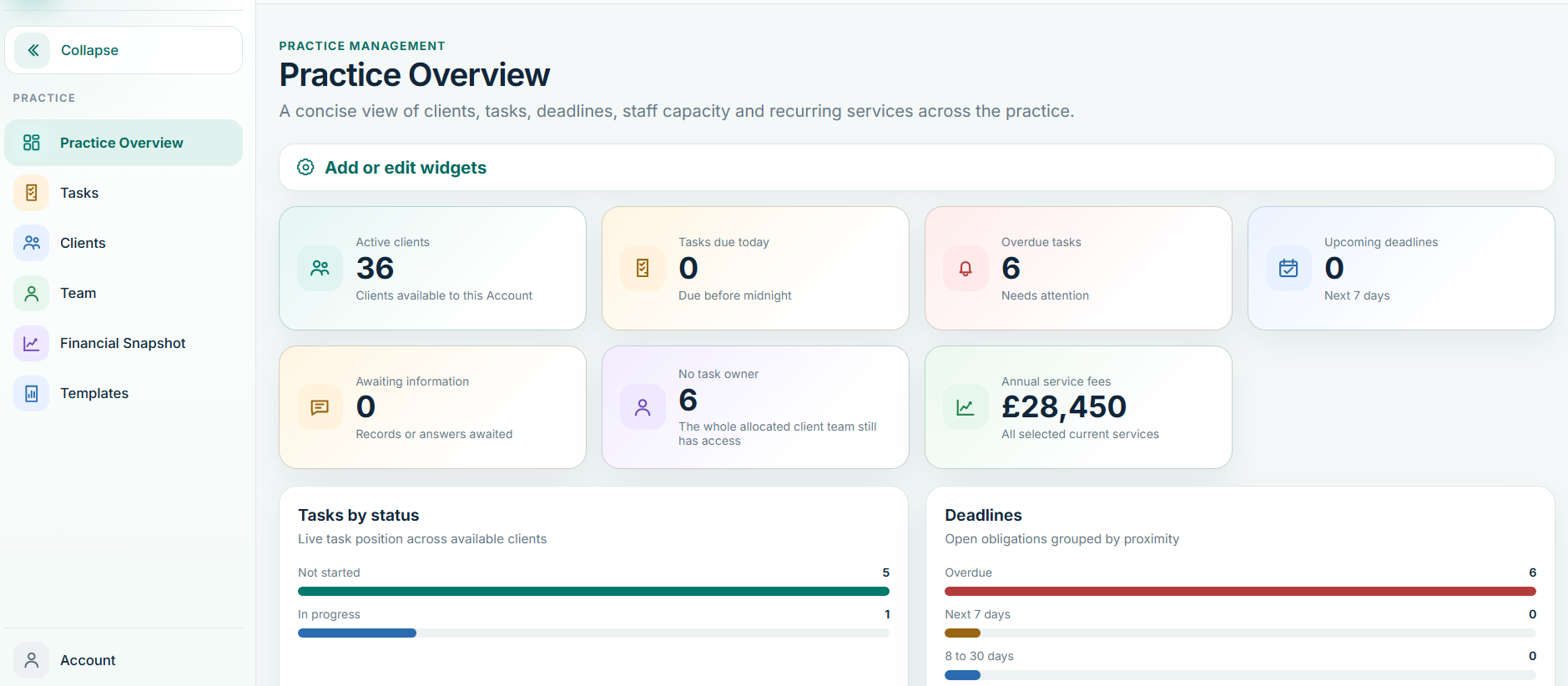
The client record is the centre of the Practice Management workflow. Use it to maintain the relationship information that other parts of Balansix depend on: entity details, registrations, services, fees, engagement, deadlines, integrations and documents.
Before activating work
- Confirm the correct client/entity record.
- Review active services and the agreed fee information.
- Set or verify engagement status and dates.
- Assign the people responsible for the relationship and the work.
- Check that upcoming statutory or practice deadlines are represented.
Proposals and engagement
Use the engagement workflow to connect what the practice has agreed commercially with what the team will actually deliver. A new engagement should identify the services and fees, present the proposal/engagement material, record acceptance and then activate the appropriate workflow.
For an existing client being migrated to Balansix, use the controlled historical engagement-date route where appropriate rather than creating a false new electronic acceptance event.
Tasks and deadlines
Tasks should answer three questions clearly: what is the work, who owns it and when is it due? Recurring work should be created from the service/workflow structure wherever possible so the practice does not repeatedly rebuild the same month, quarter or year-end job.
- Use meaningful task names that describe the accounting/compliance outcome.
- Assign a clear owner.
- Use status to distinguish not started, in progress, waiting on the client and ready for review where configured.
- Review overdue and upcoming work from the practice-level views.
- Do not use a task note as a substitute for changing the task owner or status.
Team, time and attendance
Staff and time are part of Practice Management rather than a separate product area. Use individual staff accounts and allocate clients/work according to responsibility. Time data becomes most useful when it remains connected with the client and task that generated it.
Authorised senior users can review workload, attendance, overtime and client recovery/profitability information. Restrict fee and commercial visibility to the roles that need it.
Client communications and requests
Use structured information requests when the practice is waiting on the client. The request should make clear what is needed and why, allowing the client's response to return to the relevant work rather than a generic inbox.
For repeatable messages, use approved communication wording/templates where available, but review the communication in the context of the client before sending.
Roles and visibility
If a user can see too much or too little, correct the role or client-level access rather than working around the problem by sharing files outside Balansix. Directors and Practice Managers should periodically review access, particularly after changes in staff responsibility.