✓36 active clients in view
↗Work carried forward
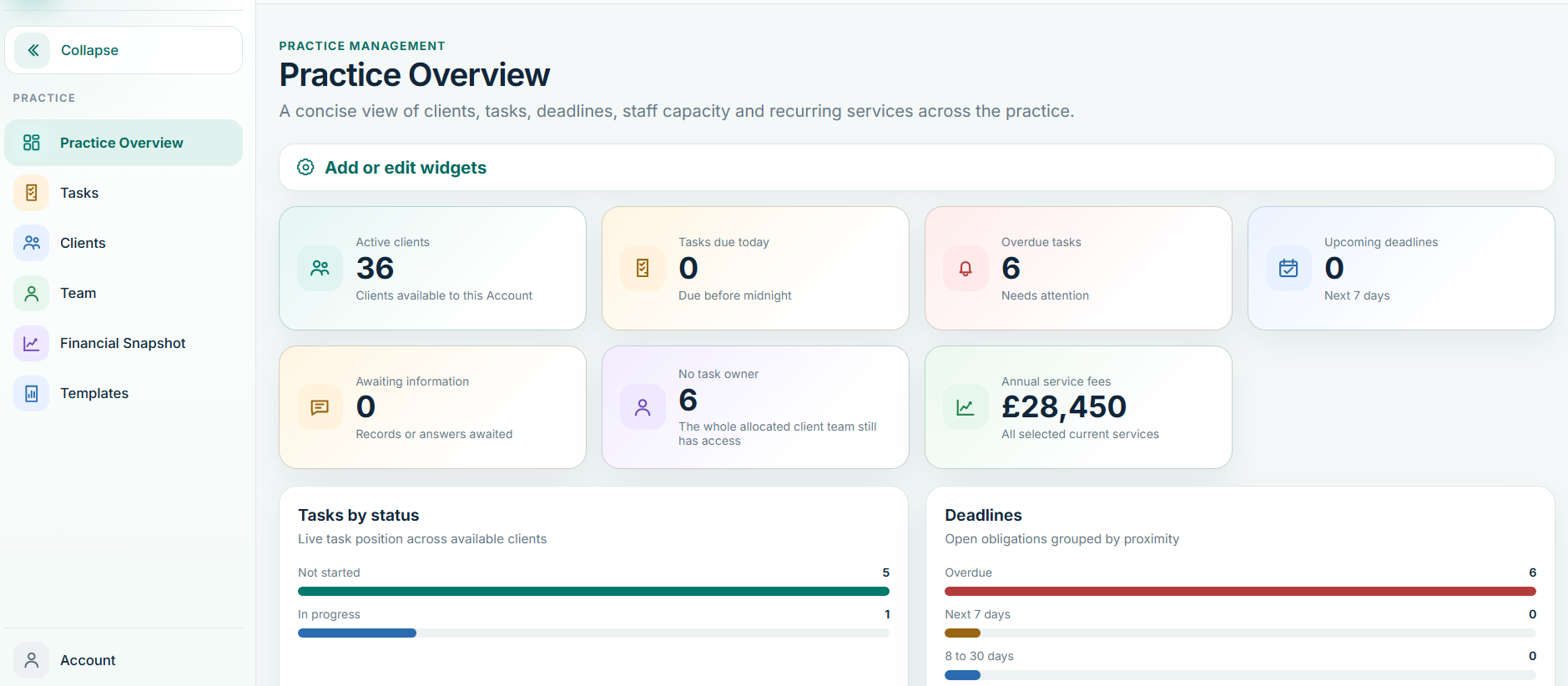
One view of clients, tasks, deadlines, staff capacity and recurring services.Live Balansix screen • Illustrative data
Balansix brings practice management, bookkeeping, year-end schedules, accounts production, documents, team time and advisory together around one client record, so work moves forward instead of being rebuilt between systems.
Balansix is designed so the work created at one stage becomes the starting point for the next: client setup feeds tasks, accounting feeds year end, year end feeds accounts production, and the same numbers feed advisory.
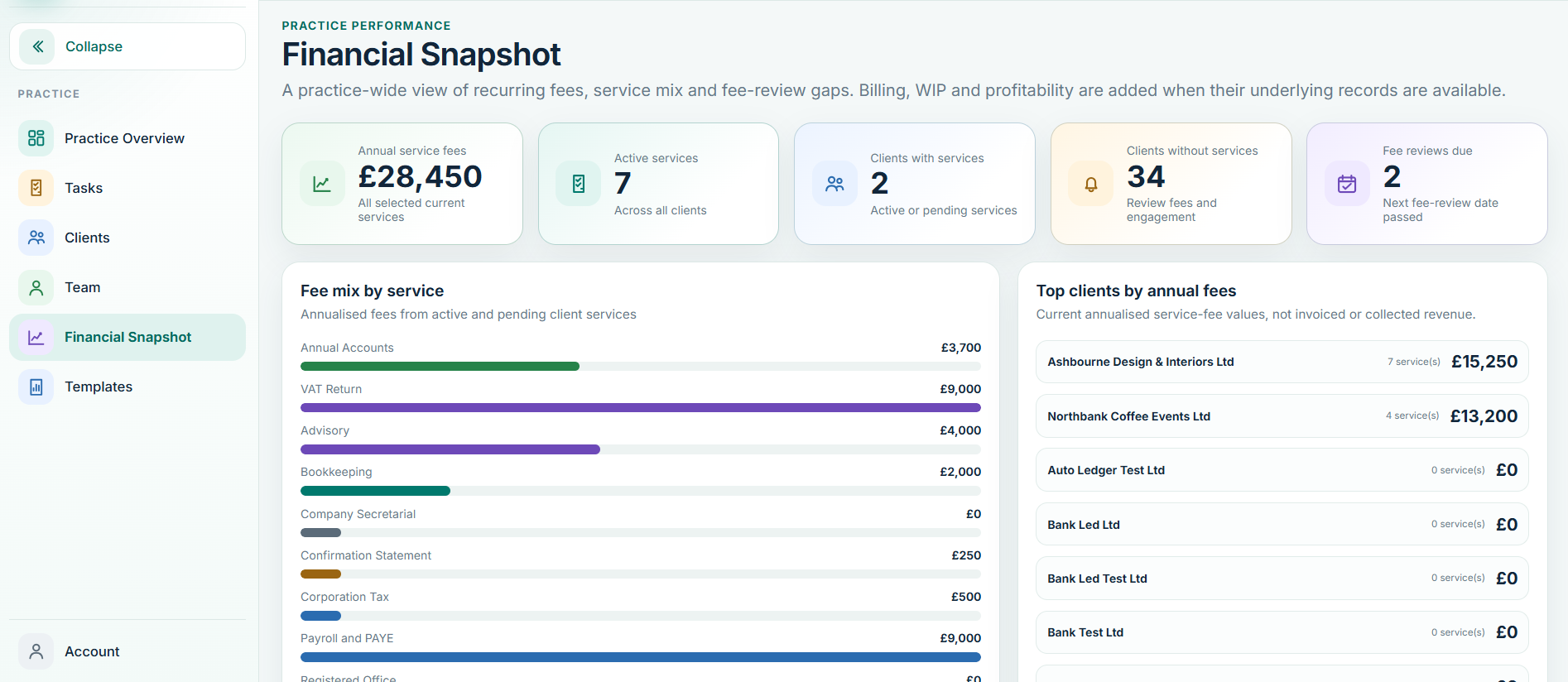
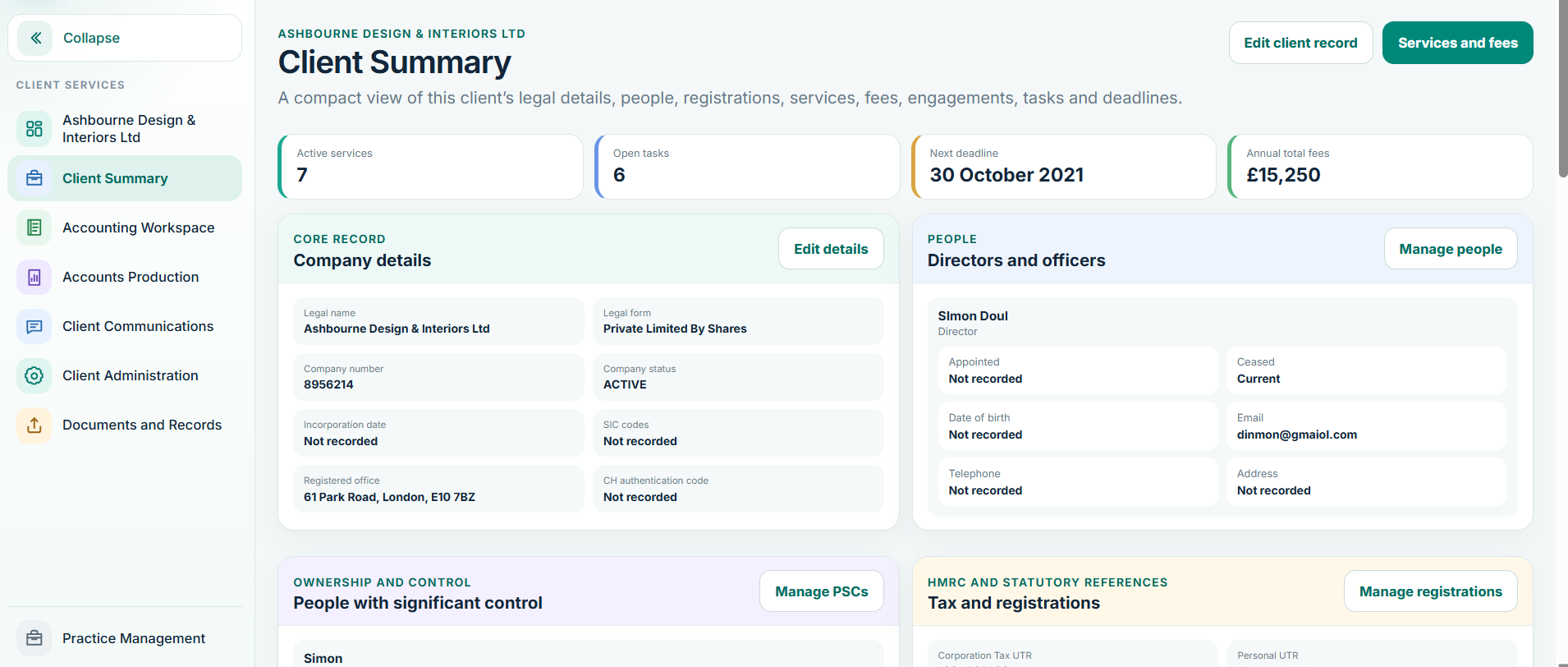
Clients, tasks, statutory deadlines, recurring services, team allocation, fee visibility and practice-level oversight.
▥Bank processing, ledgers, allocations, VAT workflows, journals, opening balances, schedules and financial reporting.
▤FRS 105 and FRS 102 Section 1A workflows, mapping, disclosures, comparatives, finalisation and digital accounts output.
✦Define services and fees, issue engagement documentation, capture acceptance and activate the client workflow.
◷Know who owns the work, how long it takes, where capacity sits and which client relationships consume the most resource.
↗Turn financial information into charts, trends and plain-English explanation that clients can actually use.
Keep client uploads, requests and supporting evidence connected to the work.
CPGive clients a simpler controlled route to provide records and interact with the practice.
✉Keep important client correspondence and information requests beside the client workflow.
AUMove predictable work forward and surface the exceptions that require professional attention.
Outstanding work, overdue tasks, engagement progress, fees and team capacity should not live in separate spreadsheets. Balansix brings the operational picture together so directors and managers can see what needs attention.
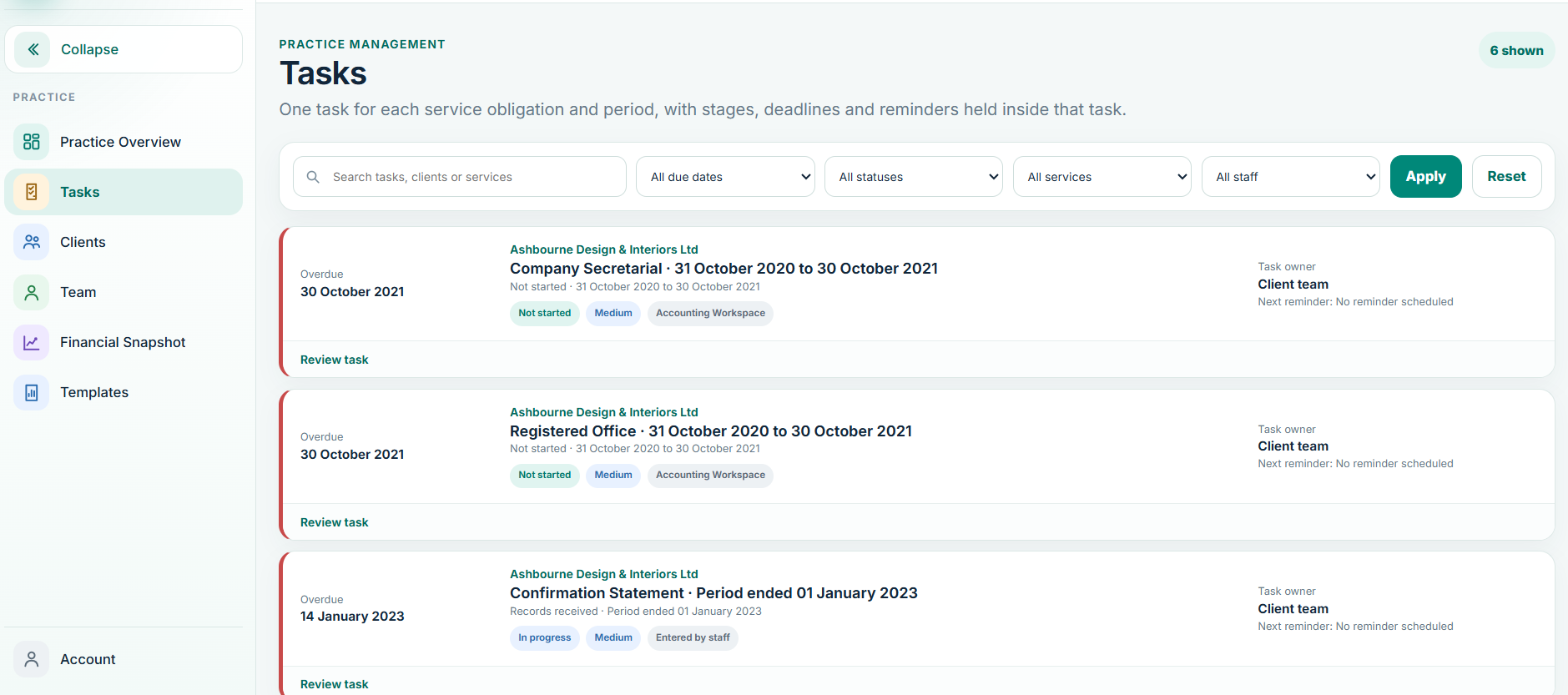
The ledger is not the end of the workflow. Balansix connects customers, suppliers, banking, VAT, journals and year-end schedules to the trial balance and accounts production process.
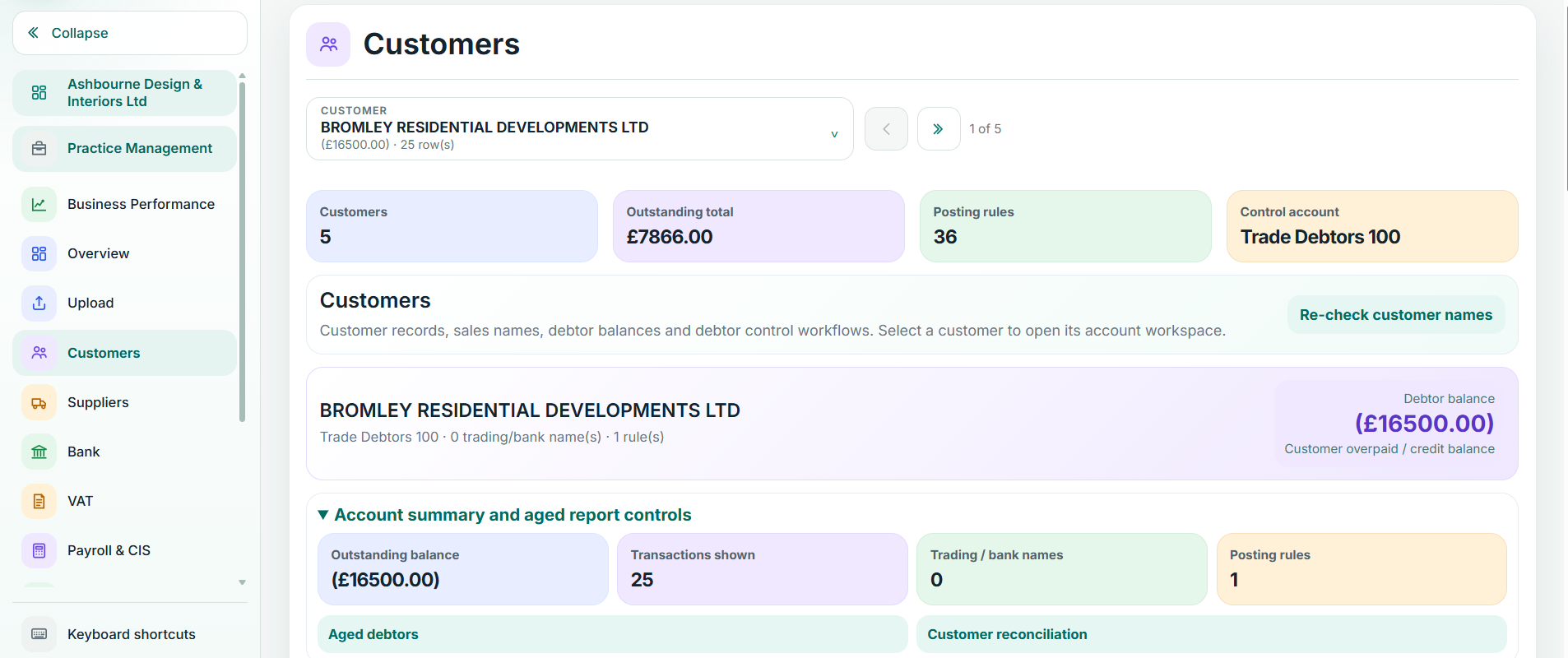
The vertical journey is the core Balansix story: six stages, one connected record, visible controls and no unnecessary rebuilding of the work.
Define services and fees, issue the engagement, capture acceptance and turn the client into active work without reconstructing the relationship elsewhere.
Keep documents, requests and client-provided records connected to the client so the team can see what has arrived, what is missing and what is ready for accounting review.
Maintain the live accounting record through bank processing, customer and supplier activity, settlement matching, VAT workflows, journals and reconciliation.
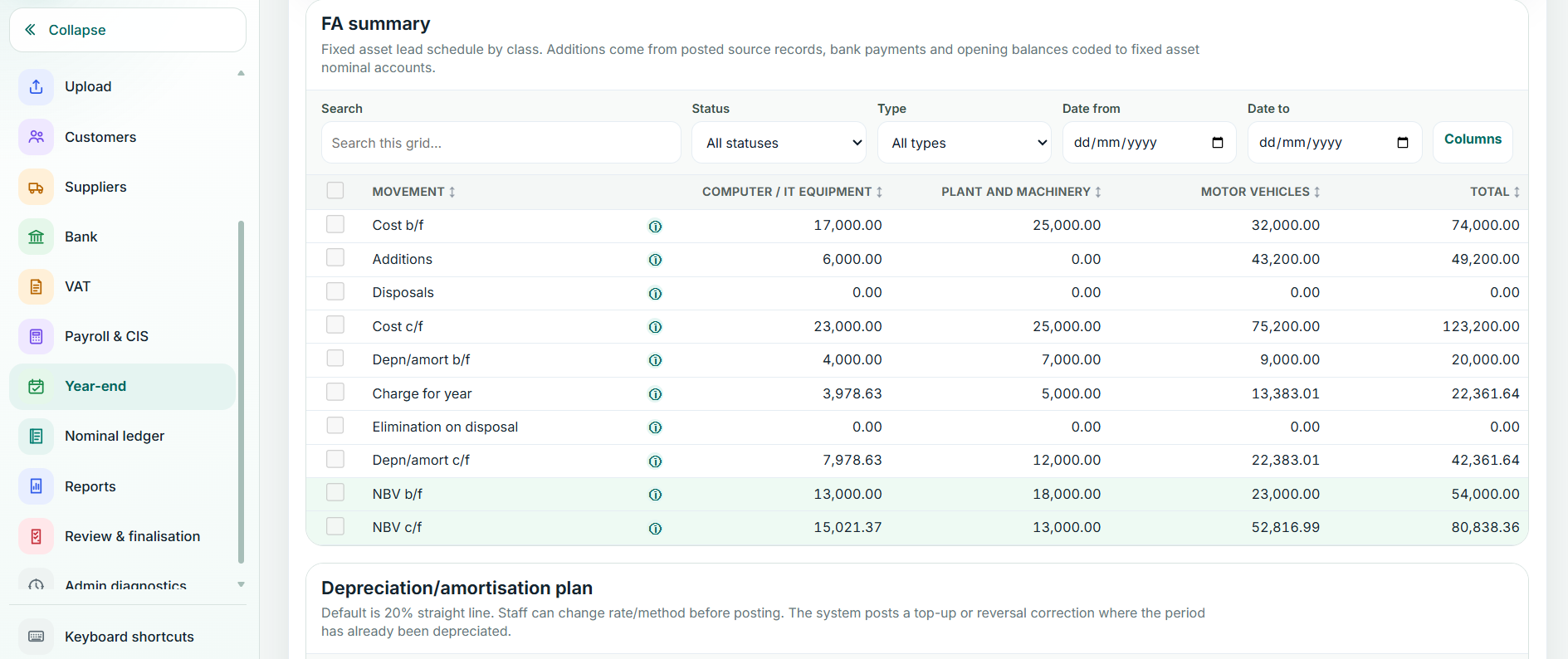
Fixed assets, depreciation, loans, accruals, prepayments and other year-end adjustments stay connected to the ledger and the evidence behind them.
Move from the trial balance into mapping, disclosures, comparatives and finalised accounts without treating year end as a separate accounting exercise.
The same financial data becomes a client-friendly view of performance, position and trends, with charts and plain-English commentary for a better conversation.
Balansix is designed so year-end calculations sit inside the accounting workflow. Review the schedule, see the numbers, then carry the adjustment into the ledger with an audit trail.
Balansix carries the accounting record into statutory accounts production with period-aware workflows for FRS 105 and FRS 102 Section 1A, mapping, disclosures, comparatives and controlled finalisation.
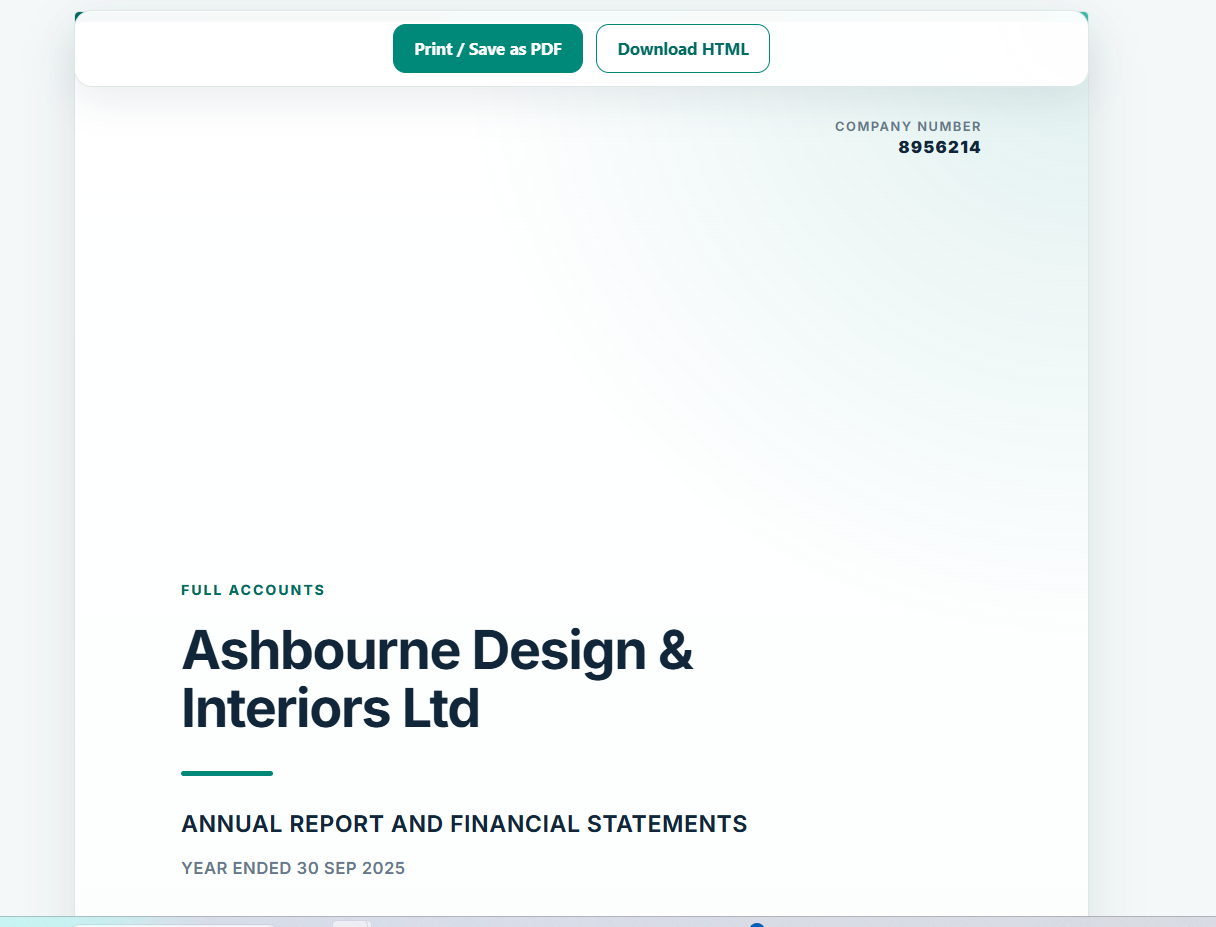
Clients should not have to decode a trial balance or statutory accounts pack. Balansix turns the same financial information into a clearer view of performance, position and what deserves attention.

Balansix did not begin with a software feature list. It began with the day-to-day friction of running an accountancy practice and asking: why is the same client being rebuilt at every stage of the work?
Balansix is designed around the full operating and accounting cycle of a UK practice.
Give clients a simple route to upload records, answer information requests and access the information you choose to share, without exposing the professional accounting workspace used by your team.
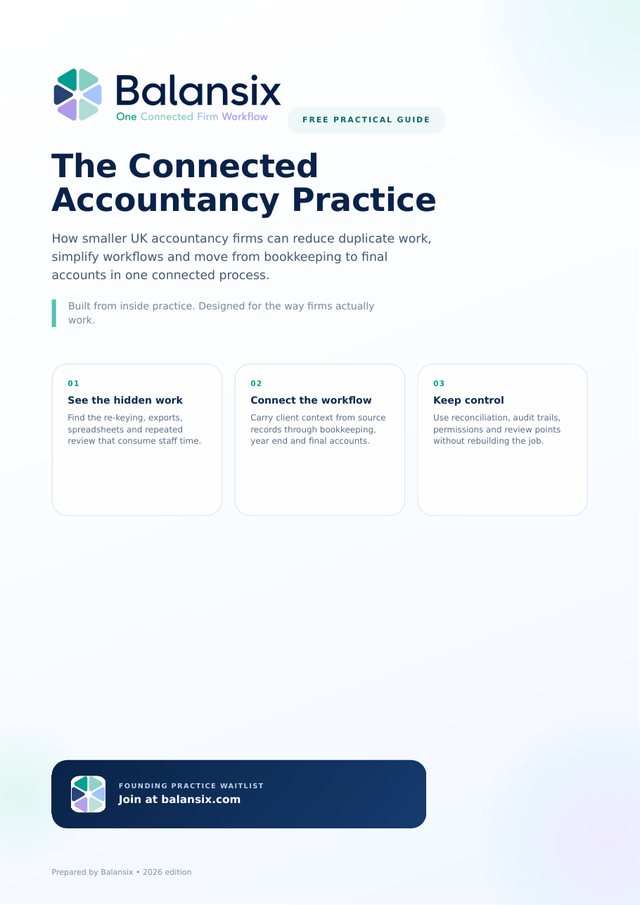
The Connected Accountancy Practice shows smaller UK firms how to spot re-keying, exports and year-end rebuilds, then connect bookkeeping, VAT, year end and final accounts into one workflow. Get it free when you join the Balansix Founding Practice waitlist.
The short answers practice owners ask for before they book a demo.
Balansix is a single platform that runs a UK accountancy practice end to end — taking a client on, collecting their records, doing the bookkeeping, posting the year-end journals, producing the statutory accounts and turning those numbers into advisory reporting, all on one set of figures.
Six pillars, shown as the six segments of the hexagon mark: practice management, capture, bookkeeping, final accounts, insight and secure cloud delivery. Each pillar feeds the next rather than sitting in a separate system.
The stack most practices currently pay for separately — a receipt-capture tool, a bookkeeping ledger, a final-accounts package, a proposal or engagement-letter system, an advisory report builder and a spreadsheet for staff time. One subscription and one login instead of five.
Both, and that is the point. The trial balance produced by the bookkeeping is the same trial balance the statutory accounts are built from, so nothing is re-keyed or reconciled between packages. Accounts are produced under FRS 102 Section 1A and FRS 105.
Depreciation, accruals, prepayments, accrued and deferred income, loan schedules and payroll journals are calculated and posted as the year runs, with loan balances split between amounts falling due within and after one year. Year end becomes a review rather than a rebuild.
No. Bank matching is scored: confident matches post, borderline items are suggested for a one-click confirm, and anything unclear goes to a suspense queue for a person to decide. Every figure traces back to the document it came from.
Yes. Clients upload records, raise their sales invoices and see their own position through their own portal, without needing a licence of their own.
UK accountancy practices — from a sole practitioner through to a multi-partner firm. It is built around how a practice works, not around how a business owner keeps their own books.
Balansix separates deterministic accounting logic from OCR and AI-assisted workflows. Accounting calculations, schedules and journals remain controlled accounting-system outputs; OCR reduces re-keying and AI can assist explanation and prioritisation, with professional review retained where judgement is required.
Yes. The Connected Accountancy Practice is a free 50-page guide for UK accountancy firms on removing duplicate work between bookkeeping, VAT, year end and final accounts. You can download it by joining the Balansix Founding Practice waitlist, which also gives first access to controlled early testing.
Mr H Hammad FCCA, ACA — an ICAEW Chartered Accountant and the current ICAEW Chartered Accountant in practice, who is also the principal architect, designer and developer of the platform. It was specified from inside a working practice rather than by a software company asking accountants afterwards.
See how Balansix can replace the handoffs between practice management, accounting, year end, accounts production and advisory with one connected workflow.