Built from inside practice. Built by Mr H Hammad FCCA, ACA, ICAEW Chartered Accountant and current CEO of a UK accountancy practice.
ProductFor ClientsWhy BalansixPricingResourcesSupportBook a demoContact
BalansixFinal Accounts

From agreed ledger to professional statutory accounts.

Carry the same controlled accounting record into mapping, disclosures, statutory presentation and finalisation without rebuilding the year end in another package.

FRS 105FRS 102 Section 1AConnected mapping & finalisation
Connected source

Accounts production begins with the agreed accounting record, not another import exercise.

Balansix is designed so the final accounts remain connected to the figures produced in the Accounting Workspace. The year-end process therefore starts from a known source rather than a new file that has to be reconciled back to the bookkeeping system.

Balansix statutory final accounts
Final Accounts • live Balansix screen
Balansix accounting reports feeding final accounts
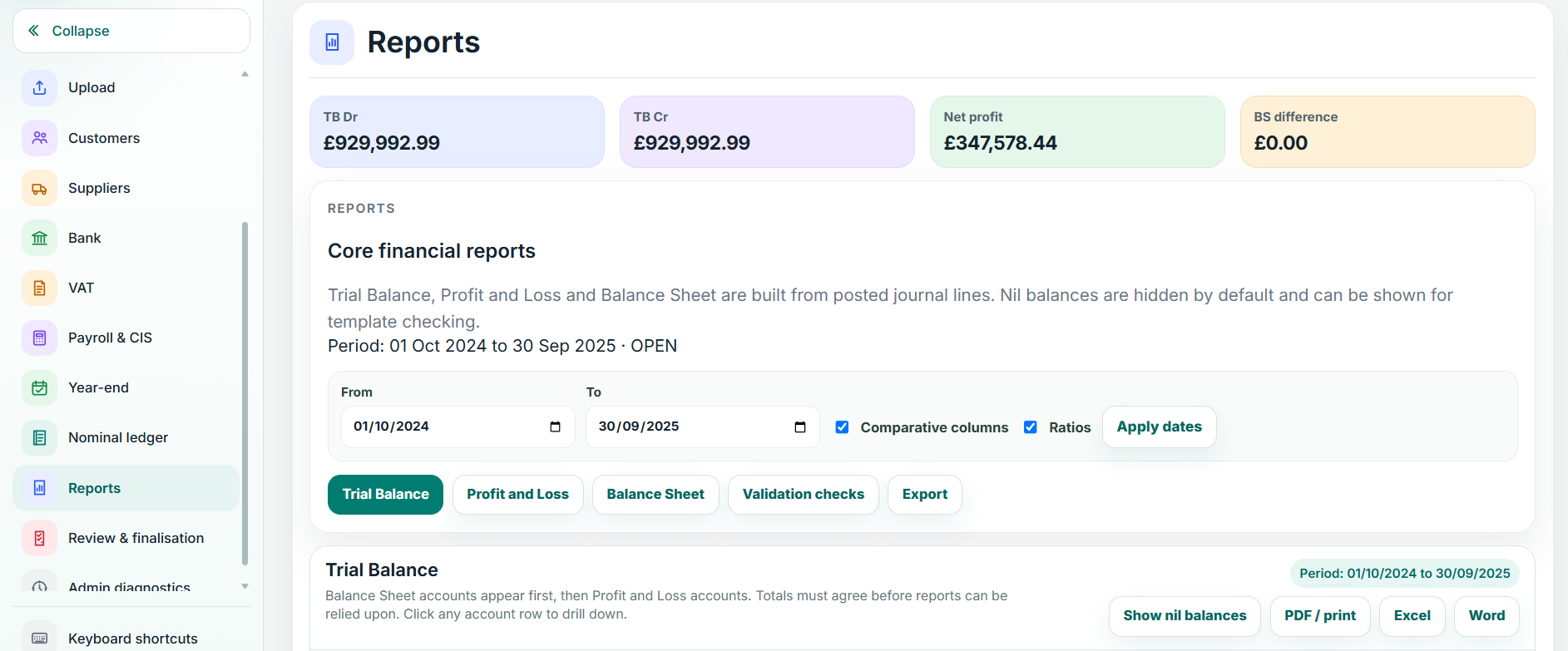
Connected reports • live Balansix screen
UK GAAP workflows

FRS 105 and FRS 102 Section 1A, with period-aware rule logic.

Balansix supports accounts-production workflows for eligible micro-entities under FRS 105 and eligible small entities using FRS 102 Section 1A. The accounts engine is designed to select the relevant rules according to the accounting period so presentation and disclosure logic can follow the standard applicable to that period.

That period-awareness matters as UK GAAP changes. The accounting standards are not treated as one permanently frozen template; the workflow is structured around controlled rule packs that can distinguish periods before and after material changes in the reporting framework.

FRS 105 micro-entity workflows
FRS 102 Section 1A small-entity workflows
Period-aware rule selection
Current and comparative figures
Whole-number statutory presentation
Controlled narrative modules
Professional presentation templates
Correct the accounting source. Let the accounts follow.

Figures are not designed to become casually editable copies inside accounts production. When the underlying accounting is wrong, the controlled response is to correct the accounting record and carry the effect through.

Setup, mapping & disclosure

Make the year-end structure visible, reviewable and repeatable.

Accounts production should help the preparer understand how the trial balance becomes the statutory presentation, not hide that transformation behind an opaque final PDF.

1

Setup

Confirm entity, reporting framework, period and the key presentation settings that determine the accounts workflow.

2

Mapping

Map accounting balances into the statutory structure and keep the relationship between ledger and financial statements visible.

3

Disclosures

Prepare relevant notes and narrative disclosures with professional review over the content that accompanies the figures.

Balansix professional statutory accounts preview
Professional accounts output • live Balansix screen
Professional output

The final document has to look like something you are prepared to sign your firm's name to.

Statutory compliance is only one part of accounts production. The presentation also represents the practice. Balansix is designed to produce clean, professional accounts with consistent typography, spacing, notes and supporting reports rather than treating the final PDF as an afterthought.

Professional statutory accounts presentation
Current and comparative figures
Notes and disclosures
Optional detailed Profit & Loss and Balance Sheet support
Accountants’ report presentation where configured
Digital/iXBRL accounts output for supported workflows
PDF-ready final output
Entity & presentation variants

One accounts engine, with the structure appropriate to the client.

An accountancy practice handles more than one company type. Balansix is designed so the underlying workflow can support the relevant entity and presentation variants configured for the engagement rather than forcing every client through an identical front end.

Limited companiesSmall and micro workflows
LLPsAppropriate accounts presentation
Sole tradersNon-company accounts output
PartnershipsPartnership presentation
DormantControlled dormant workflows
CIC / CLGConfigured entity variants
Diagnostics & review

The system should help find what is wrong before the final document makes it look finished.

Balansix keeps arithmetic and compliance-oriented diagnostics inside the accounts workflow. Review is focused on the conditions that affect a reliable output rather than adding generic warning noise that trains staff to click through everything.

Balanced source trial balance
Mapping completeness checks
Current/comparative consistency
Arithmetic diagnostics
Disclosure and presentation checks
Controlled review before finalisation
Traceability back to the accounting source
Final accounts are the end of a controlled chain.

Transaction → reconciliation → adjustment → trial balance → mapping → disclosure → statutory output. Balansix keeps those stages connected so the reviewer can move backwards when a figure needs explanation.

Digital output & filing

Finish the accounts without creating another re-keying exercise.

The finalised accounts can feed the supported digital-output and Companies House filing workflow from the same controlled figures. iXBRL output and filing data should remain another representation of the approved accounts, not a separate set of numbers maintained by hand.

X

iXBRL output

Generate digital accounts output from the finalised accounts structure for supported downstream workflows.

CH

Companies House

Prepare supported Companies House accounts submissions from the controlled final-accounts position.

One source

Keep filing output tied to the same figures that were reviewed and approved inside Accounts Production.

Once final means final.

Finalisation should change how the system behaves. Balansix is designed so controlled areas such as setup, mapping and disclosure become read-only after finalisation, protecting the completed output from unintended changes.

Finalisation control

Do not let a completed set of accounts drift.

When the accounts are finalised, the workflow should preserve the position that was reviewed and approved. If a correction is genuinely required, it should happen through a controlled route rather than by quietly editing a note or mapping after the fact.

Read-only controlled areas after finalisation
Protection of mapped figures and disclosures
Clear final status
Audit trail around significant changes
Accounting-source corrections remain distinguishable
Downstream output based on the controlled final position

See what one connected workflow could remove from your practice.

Bring a real client workflow to the demonstration and compare how many handoffs, re-keying points and separate systems Balansix can remove.