Practice Management
Choose the services actually agreedRecord fees with the right visibilityConfirm the engagementWhen the scope changes
Choose the services actually agreed
Activate only the services the practice is responsible for. The service list should match the engagement position and the work the client can reasonably expect.
Record fees with the right visibility
Keep the agreed fee and fee-review information with the service/client record. Fee and profitability information should remain restricted to roles authorised to see commercial data.
Confirm the engagement
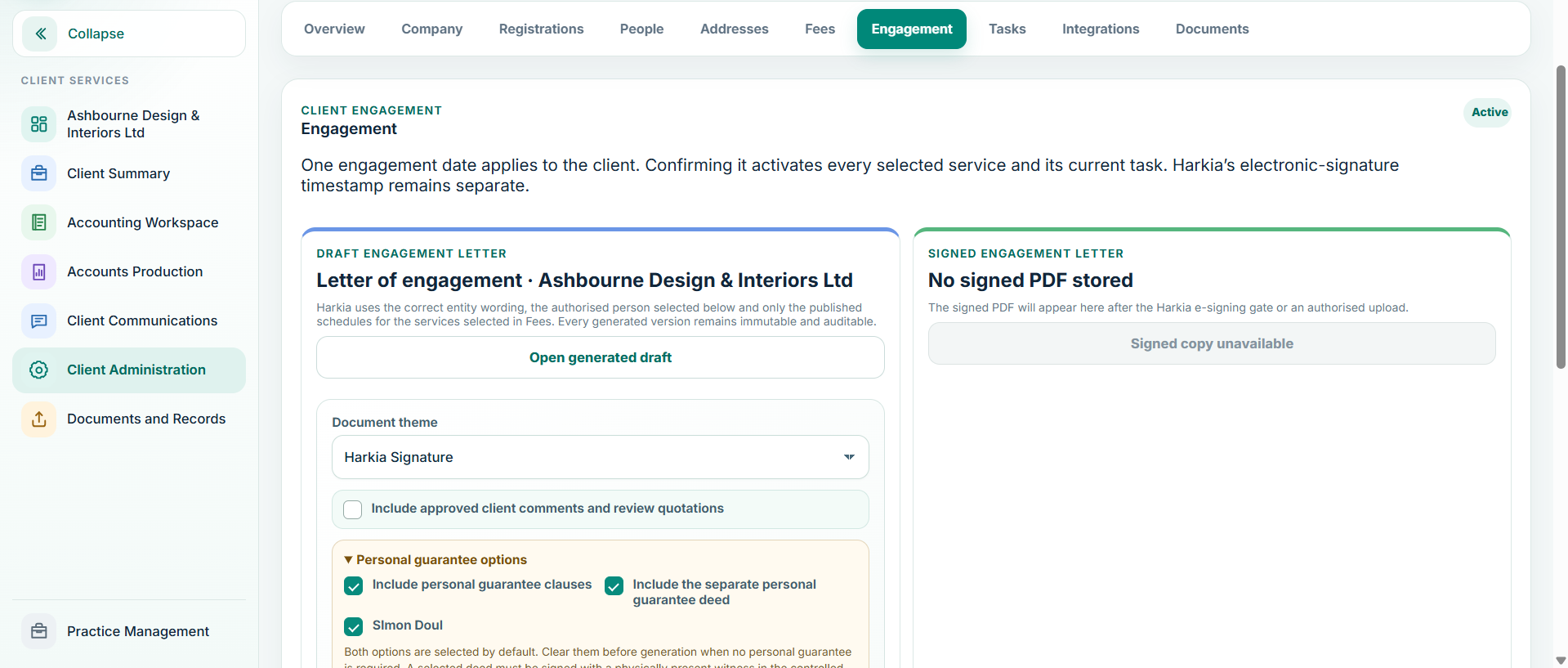
- Review client identity and services.
- Confirm the fee and effective dates.
- Issue or record the engagement through the configured workflow.
- Once accepted/confirmed, activate the engagement so the selected services and recurring work can proceed.
When the scope changes
Amend the service or engagement record rather than relying on an email-only instruction. If a service ends, close it deliberately so future tasks and reminders do not continue as if the service were still active.