1. Create the client record
Add the legal/entity identity and primary contact information. Use the actual entity type and accounting information rather than a display nickname where legal details are required.
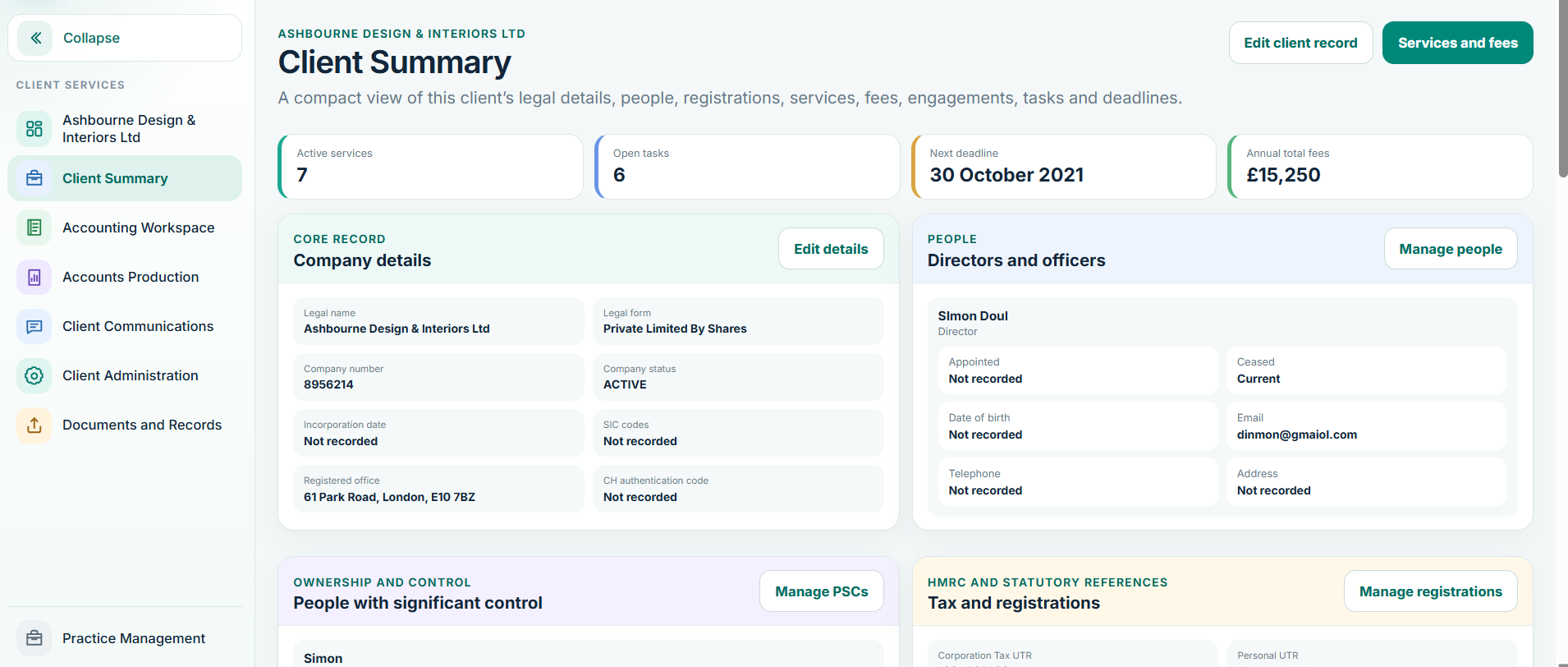
2. Services, fees and engagement
Activate only the services the practice is engaged to deliver. Confirm fee information and the engagement position before recurring work is relied upon. The engagement date can represent a legacy/manual engagement where appropriate; an electronic signature timestamp remains a separate fact where e-signature is used.
3. Assign staff access
Allocate the responsible manager and staff. Client-level permissions should reflect responsibility. Staff should not gain all-client visibility merely because they can enter another Balansix module.
4. Choose the bookkeeping mode
For Accounting Workspace clients, choose the mode based on the real evidence flow:
Documents create the accounting story
Best where source documents and ledgers are the primary evidence.
The bank creates the accounting story
Best where the bank feed/statement is the primary bookkeeping record.
Read Choose the bookkeeping mode → before posting live data.
5. Add opening accounting data
Where the client starts mid-life rather than from incorporation, bring in a balanced opening trial balance and any required subledger detail. Bank opening balances should be split by bank account so reconciliation starts from the correct cash position.